Mod Configuration
Configuration
You can configure the mod in-game or by editing the configuration files manually.
In-game:
Open the Mods menu and navigate to: TheDragon's Decor & Utils → Config
Manually:
You can edit the following files directly in your Minecraft config folder:
thedragonsdecor-client.tomlthedragonsdecor-common.tomlthedragonsdecor-server.toml
Client-Side
Brazier:
- Brazier particle spawn distance: Sets the maximum distance at which Brazier particles can spawn. Particles won't appear beyond this range. Lowering this value may improve performance.
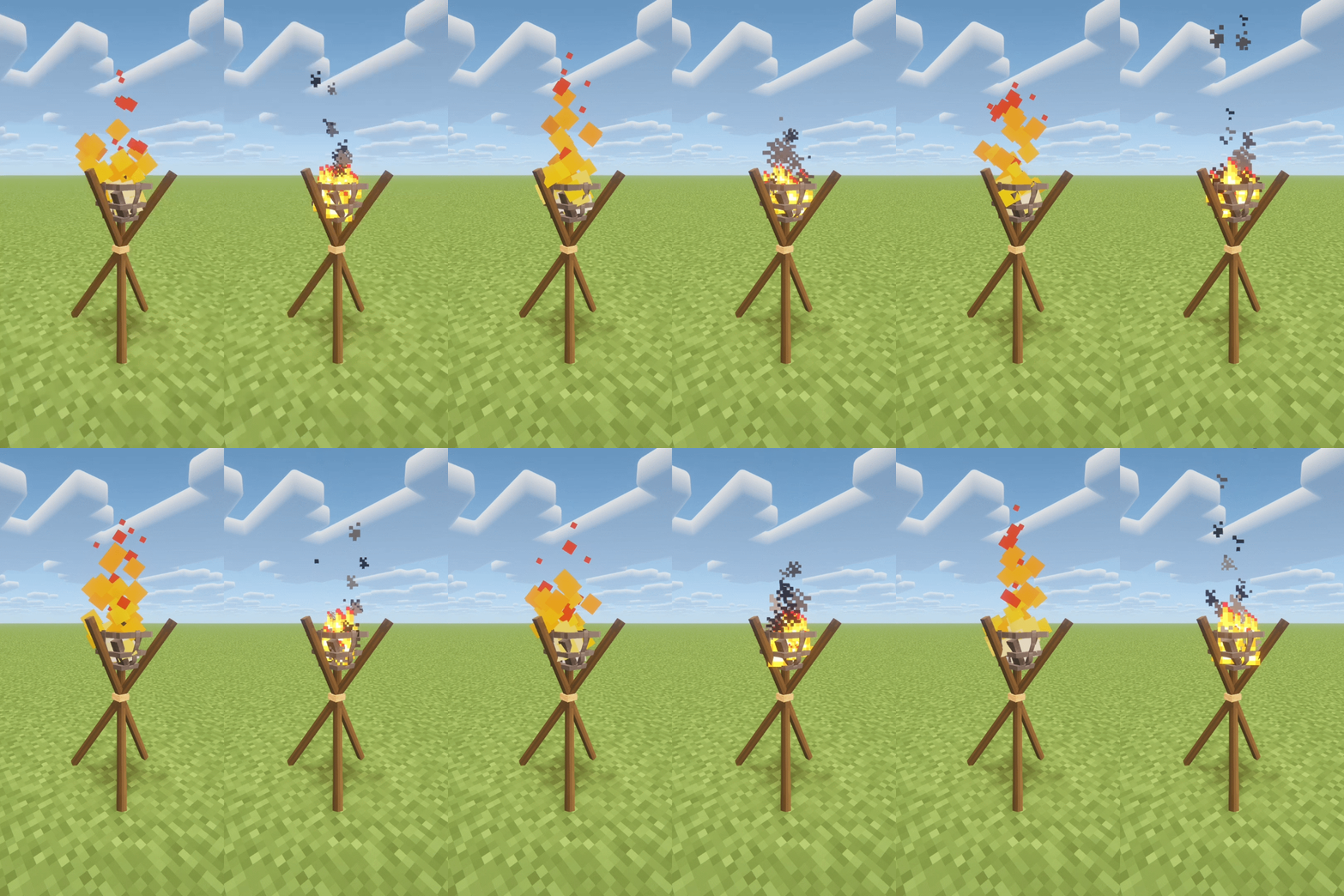
- Brazier particle type: Switches between the custom Brazier particle effect and vanilla Minecraft particles. Using vanilla particles may improve performance.
Particle type comparison
Standing Fan:
- Standing Fan Volume: Sets the volume of the standing fan sound. Set to 0 to mute it.
Hat Rack:
- Show Hat Rack Tooltip: Whether to display the hat rack helmet tooltip on screen.
Server-Side
Wind Chimes
- Wind Chimes Random Activation Chance: Sets the base chance for wind chimes to activate on its own. Set to 0 to disable.