Hat Rack
Overview
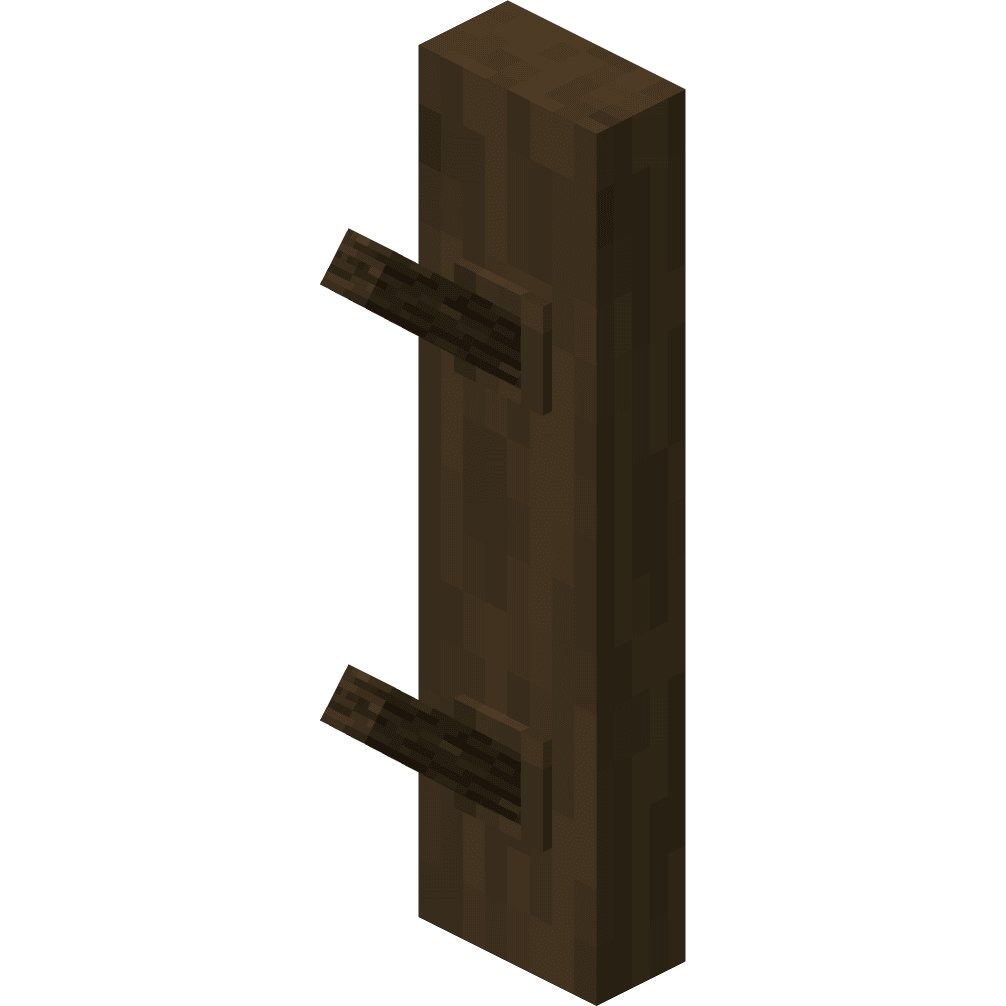
The Hat Rack is a decorative wall-mounted block that works just like a wall torch, providing a place to store and display your helmets and other wearable head items.
Functionality
Helmet Interaction
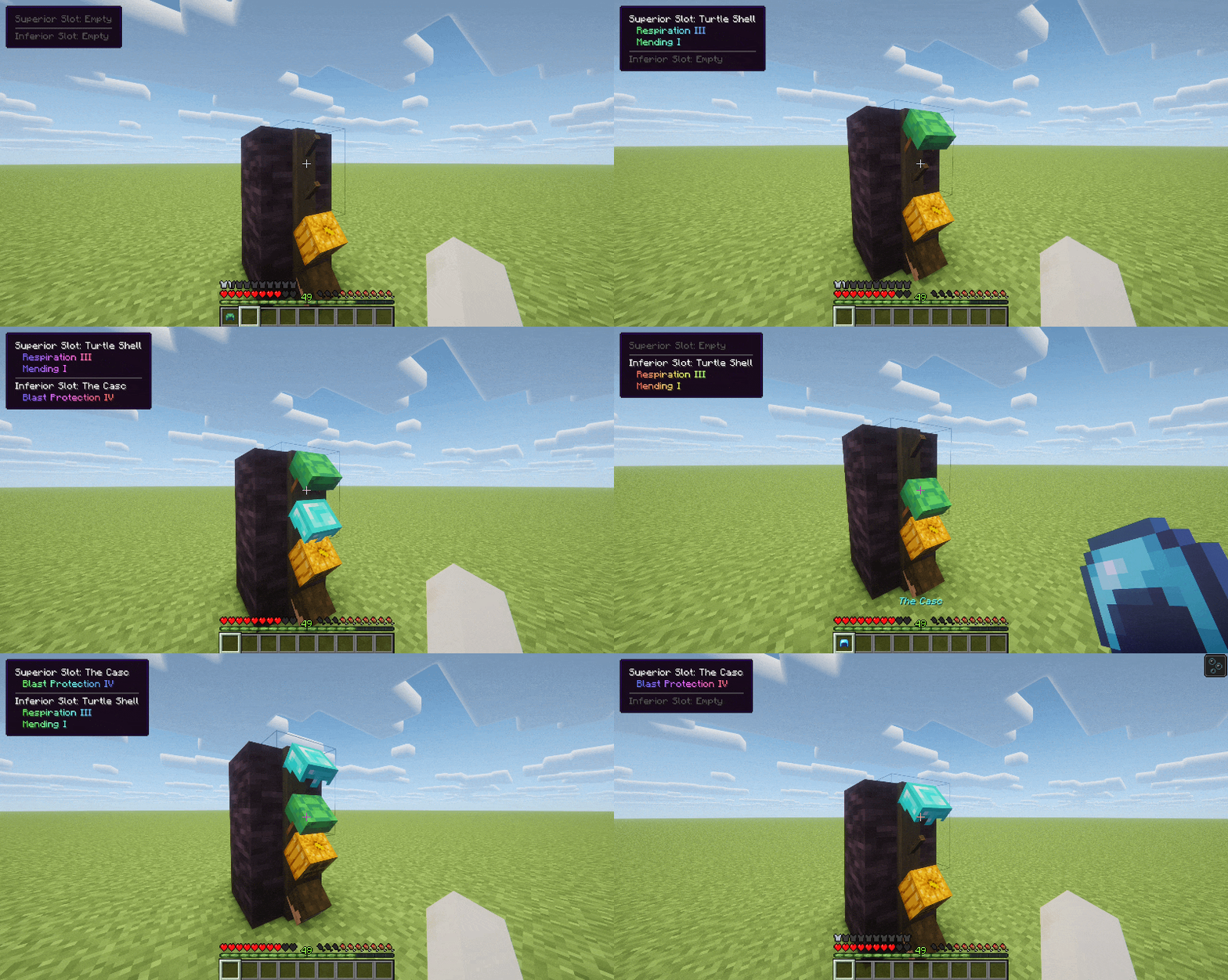
The Hat Rack has two helmet slots. You can interact with it using the following controls:
- Right-click: Place or retrieve helmets.
- Shift + Right-click: Hang or equip helmets directly from inventory.
The Hat Rack allows you to place, retrieve and swap helmets in several ways:
- Place a helmet from your hand onto an empty slot.
- Replace the helmet on the rack with another one from your hand.
- Hang your currently equipped helmet on an empty rack.
- Take a helmet from the rack and equip it directly.
- Swap the helmet on the rack with the one you're currently wearing.
Display
The Hat Rack can display player heads, mob heads and pumpkins, as well as any other block that can be equipped as headwear.
When looking at the Hat Rack, an on-screen tooltip displays information about the stored helmet, including its enchantments if it has any.
You can disable this tooltip in the mod configuration.
Warning
Items registered as helmets (such as armor from other mods) can be displayed on the Hat Rack, provided they don't use a custom model.
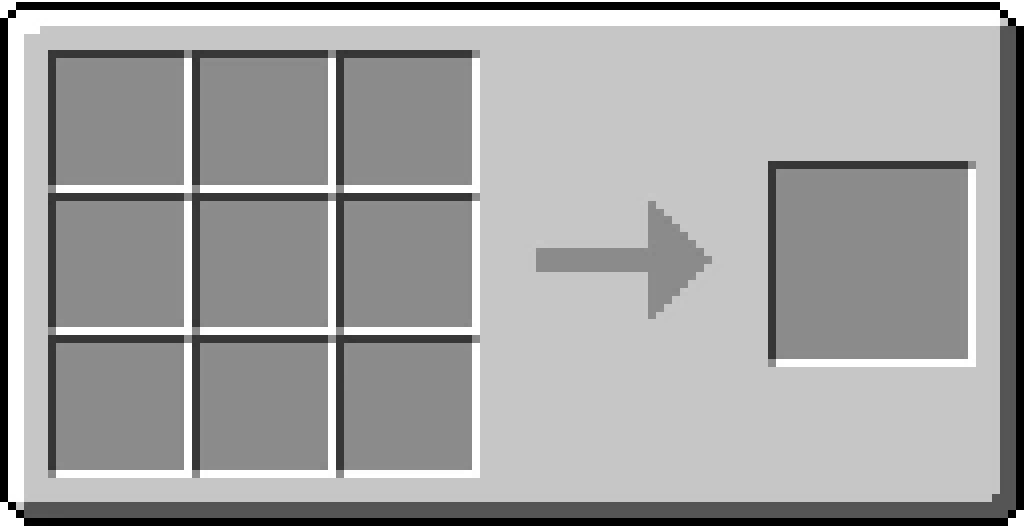
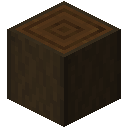
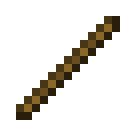
Crafting Recipe